
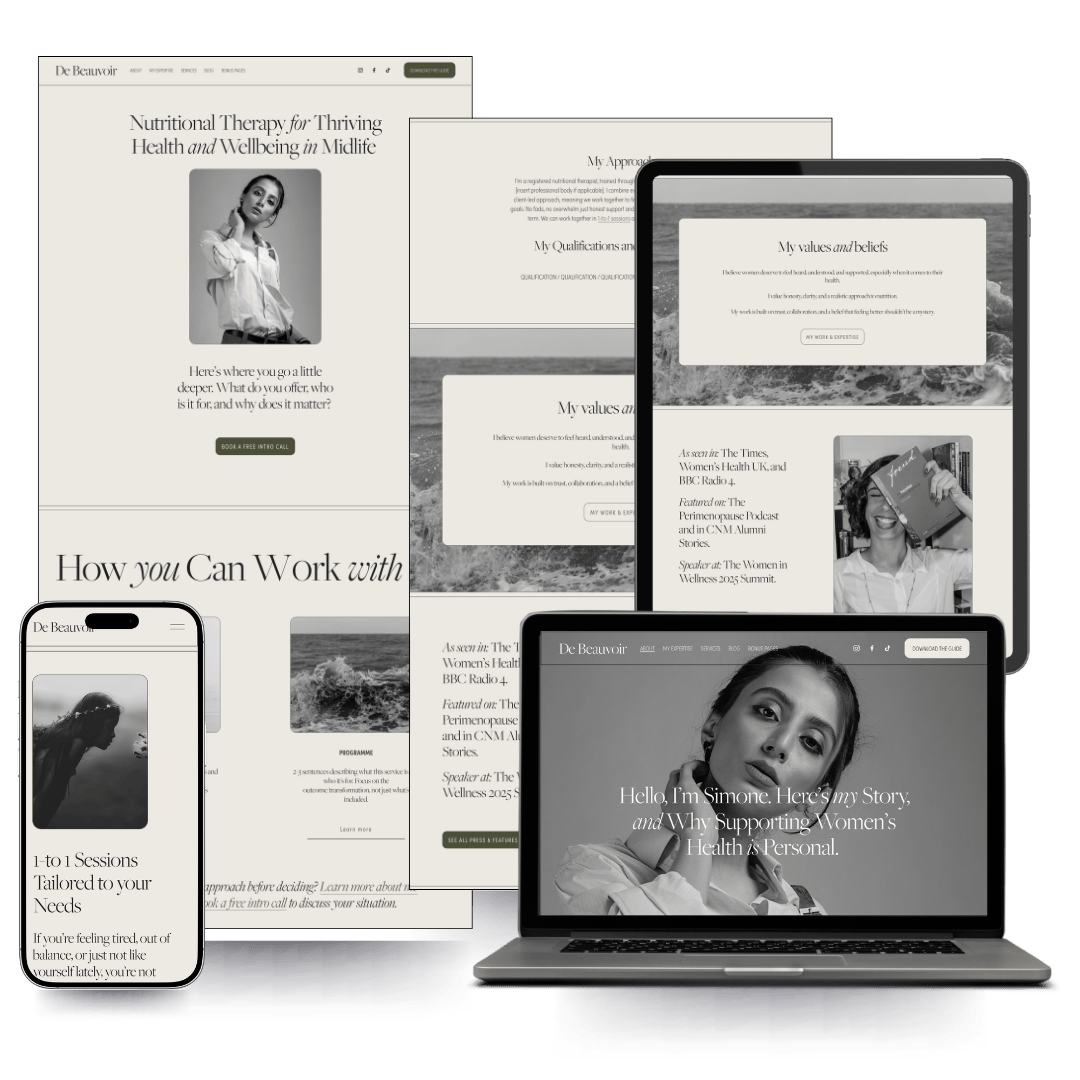
DE BEAUVOIR.
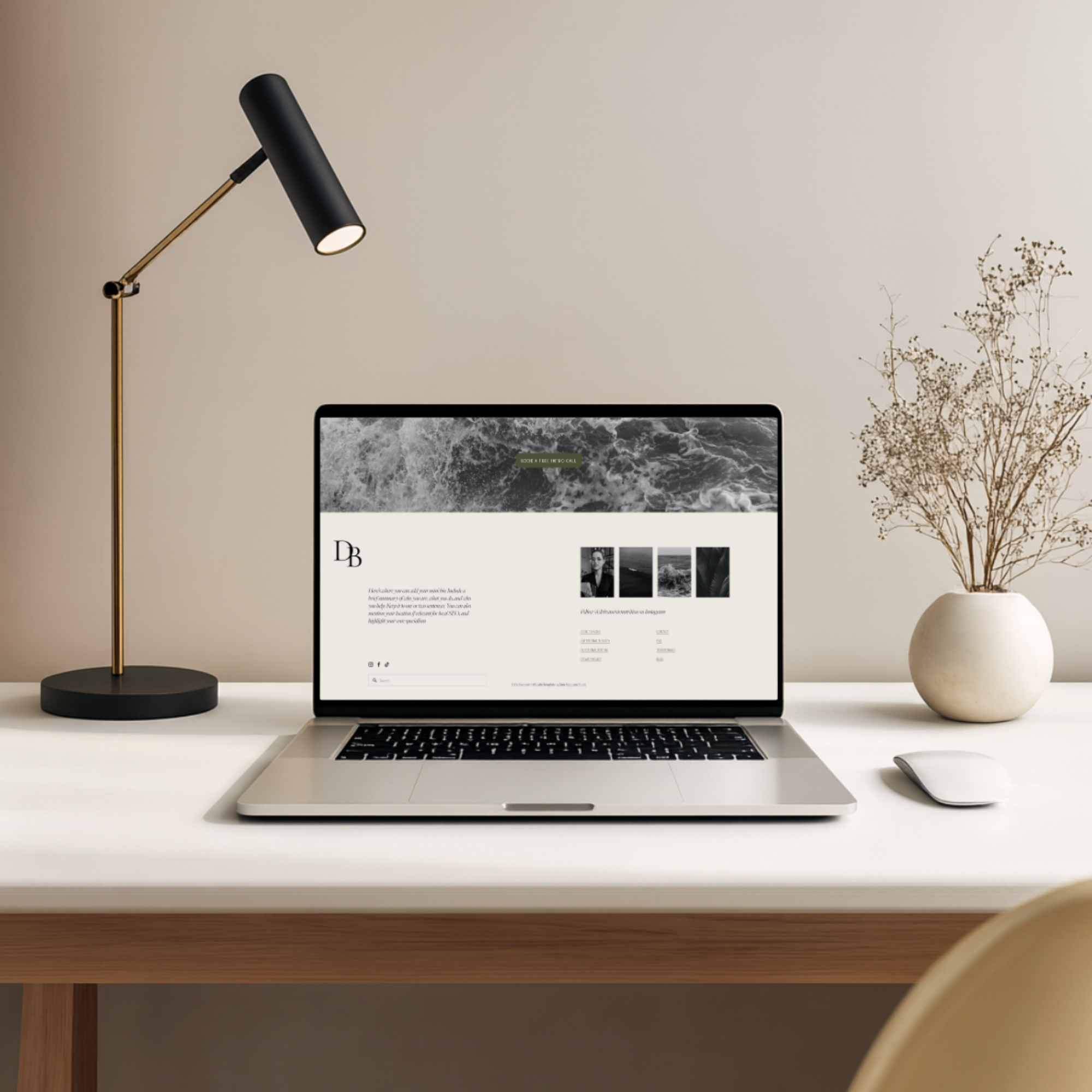
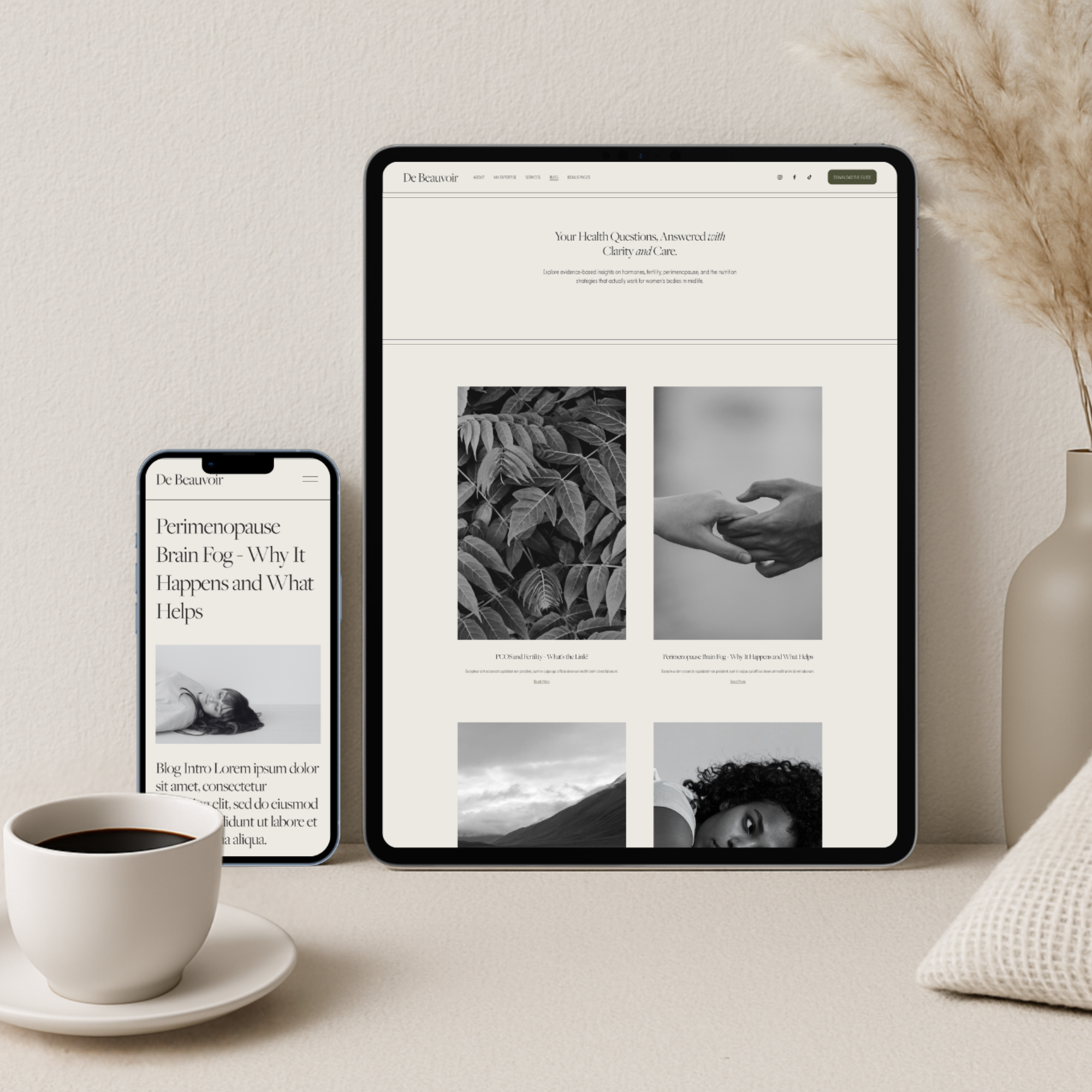
elegant. Feminine, and without fuss.De Beauvoir is a full-suite Squarespace 7.1 Fluid Engine template with clean, precise typography, generous white space, and a structure that guides your visitor naturally from first impression to booking.
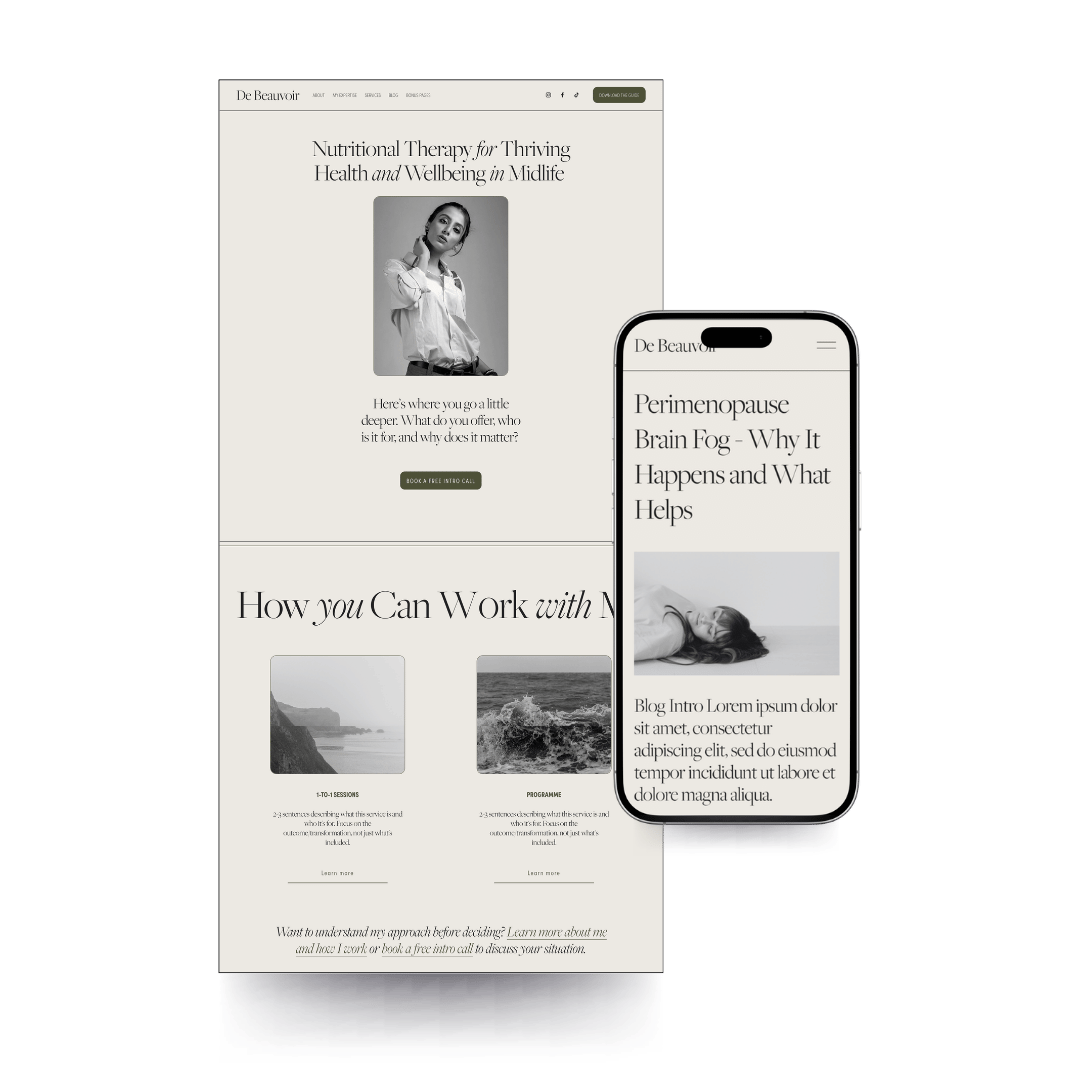
Built to convert, from the first CLICK through to booking.
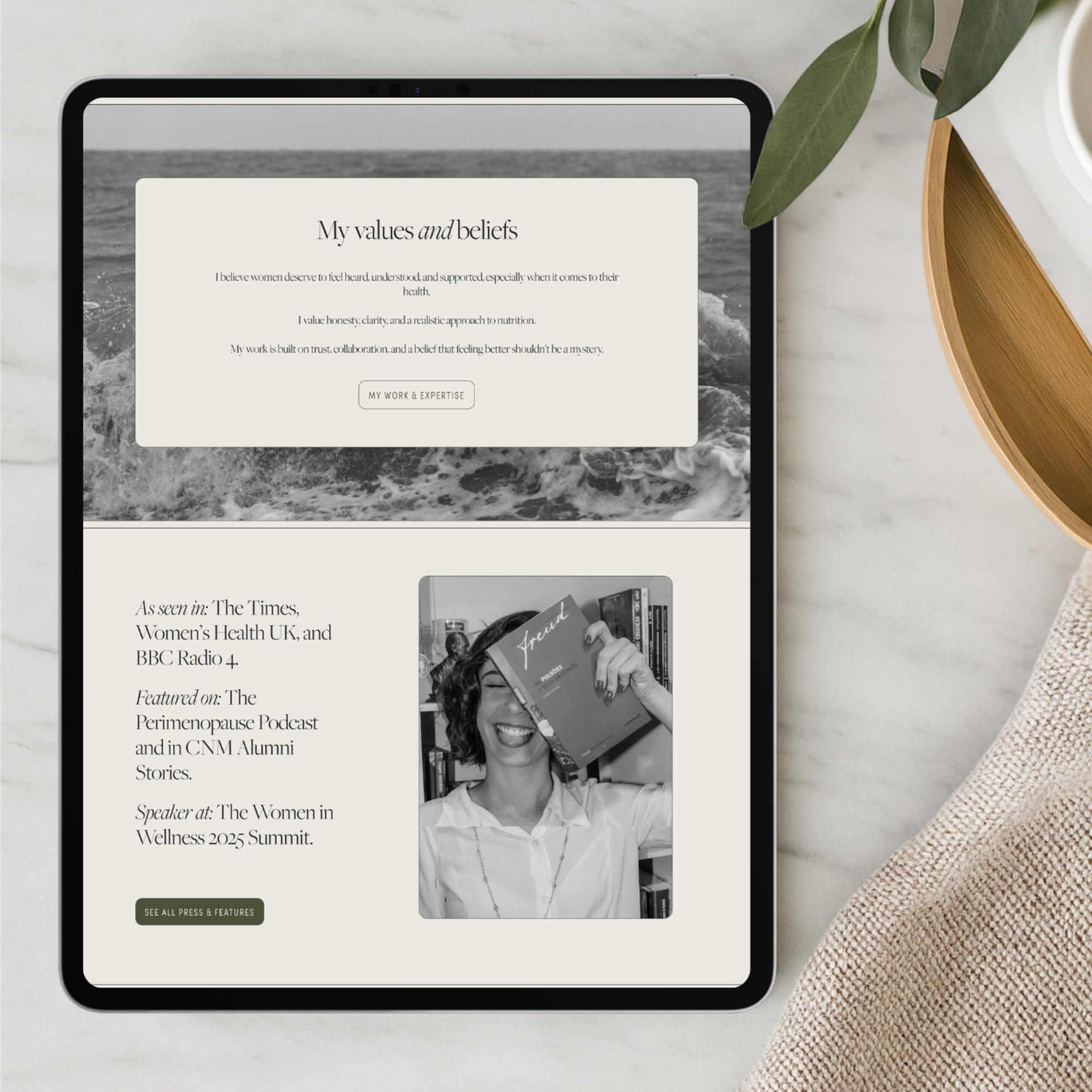
De Beauvoir is built for the practitioner who has put in the years and wants a website that reflects that. The typography is considered, the white space intentional, and the layout hierarchy has been designed to build trust quickly and move the right visitor towards booking.
Seventeen pages, ready to personalise from day one.
This is not a template that shouts. It is one that holds its ground and lets your expertise do the talking.
Can I really make it unique?
Absolutely!Swap the colours, fonts and images, and De Beauvoir becomes something completely your own. Whatever your style, the bones of this template work.
Your resource library has everything you need to make this site completely yours and get it online.
FROM PURCHASED to Published.
-
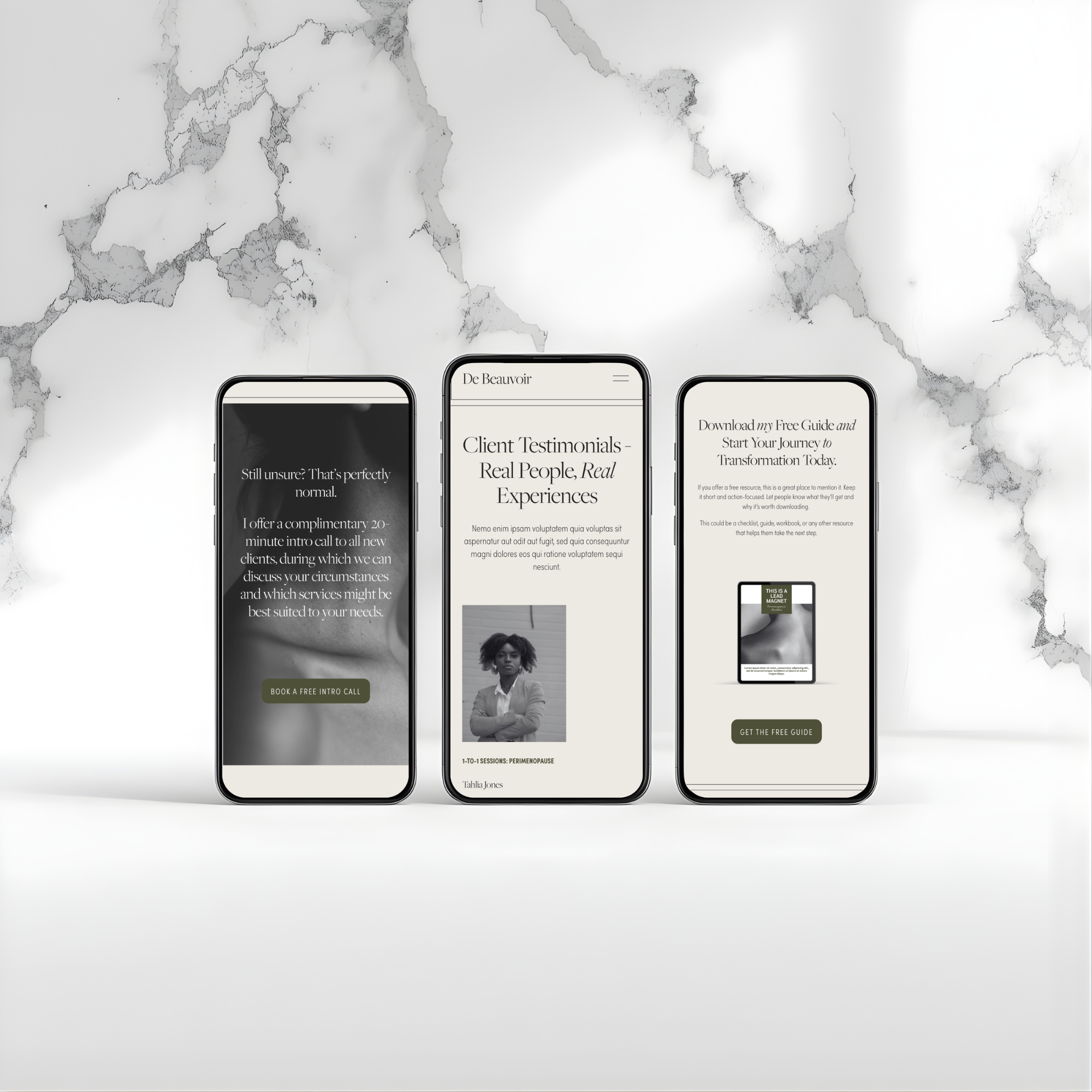
Professionally designed, mobile-optimised, and structured for conversion from the first page. No custom code anywhere in the template. What you see is what you can edit, without touching a single line of code.
-
Build and personalise your site before committing to a subscription. No Squarespace account yet? No problem, you will be guided through setting one up after purchase.
-
As a new Squarespace user, you'll receive an exclusive discount code for your first year's subscription when you purchase this template.
-
Step-by-step video tutorials walking you through the platform so you know exactly what you are doing, even if tech is not your thing.
-
Page by page strategy and guidance on what to write, who you are writing for, and what each section needs to achieve. Not just prompts, but proper strategic thinking baked in.
-
Your fonts, colours, button styles and sizing all documented in one place, so your site stays consistent and looks intentional throughout.
-
Everything that needs to happen before you go live, so nothing gets missed and you launch with confidence. Plus an SEO checklist to work through in your own time, because getting your site live comes first and search optimisation is an ongoing process, not a one-off task.
-
Two of the most powerful free tools available to any practitioner building their online presence. Google Business Profile helps local clients find you when they are actively searching for support. Google Search Console lets you see how your site is performing in search and where to focus your efforts. Your setup guide walks you through both, including how to integrate them with your Squarespace site, so you have everything you need to hit the ground running from day one.
-
The free and low-cost tools that work seamlessly alongside your template, from image libraries to email marketing.
-
Got a technical question or hit a stumbling block with the platform? Drop me a message within 30 days of purchase and I'll help you troubleshoot. Support covers technical and platform questions rather than design or copywriting feedback, so you get the help you actually need to get unstuck and get your site live.
-
Main pages
→ Home
→ About Me
→ My Expertise
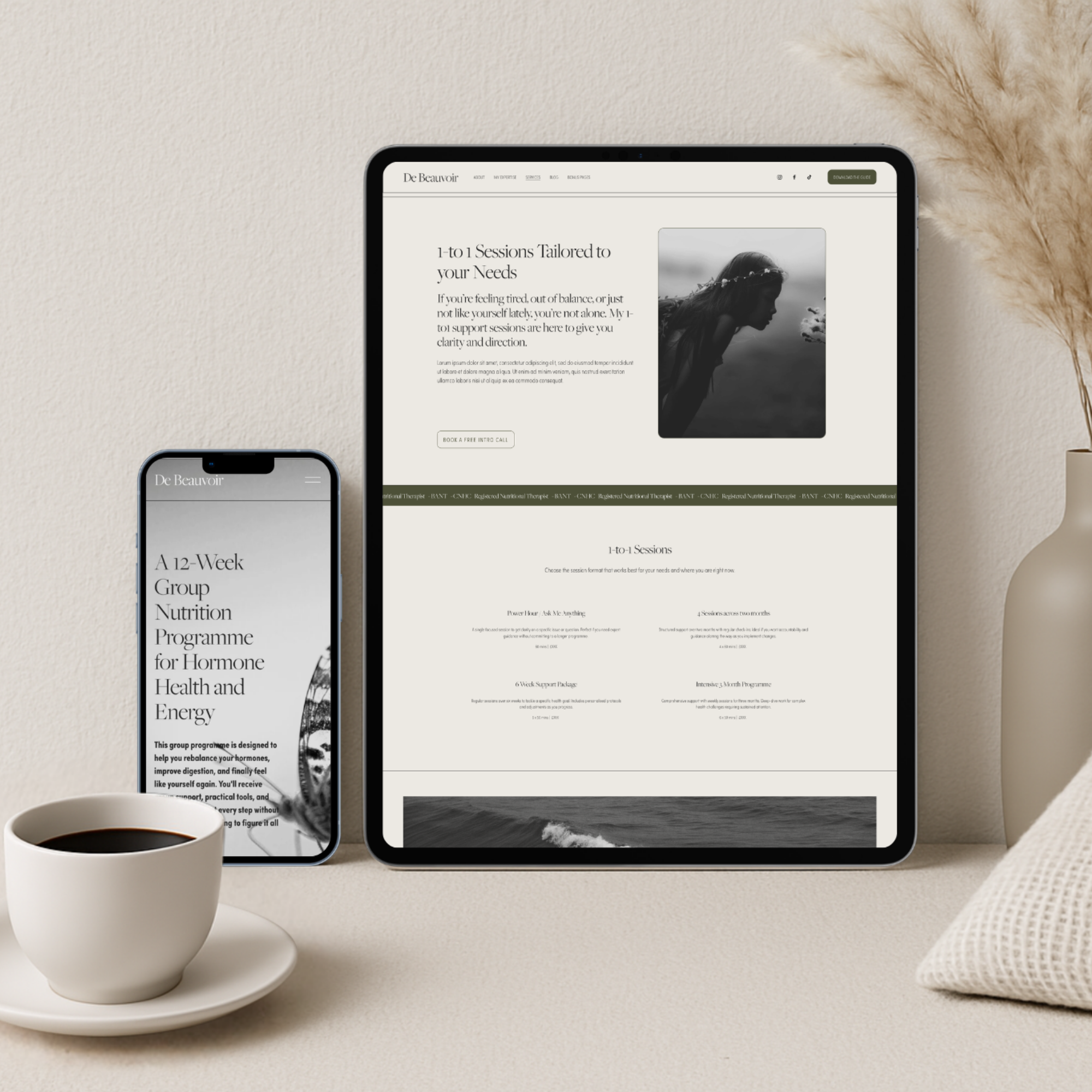
→ 1-to-1 Sessions
→ Programme
→ Testimonials
→ FAQ
→ Contact
→ Blog
Bonus pages
De Beauvoir comes with a full set of bonus pages that most templates simply don't include.
→ Social Media Links page
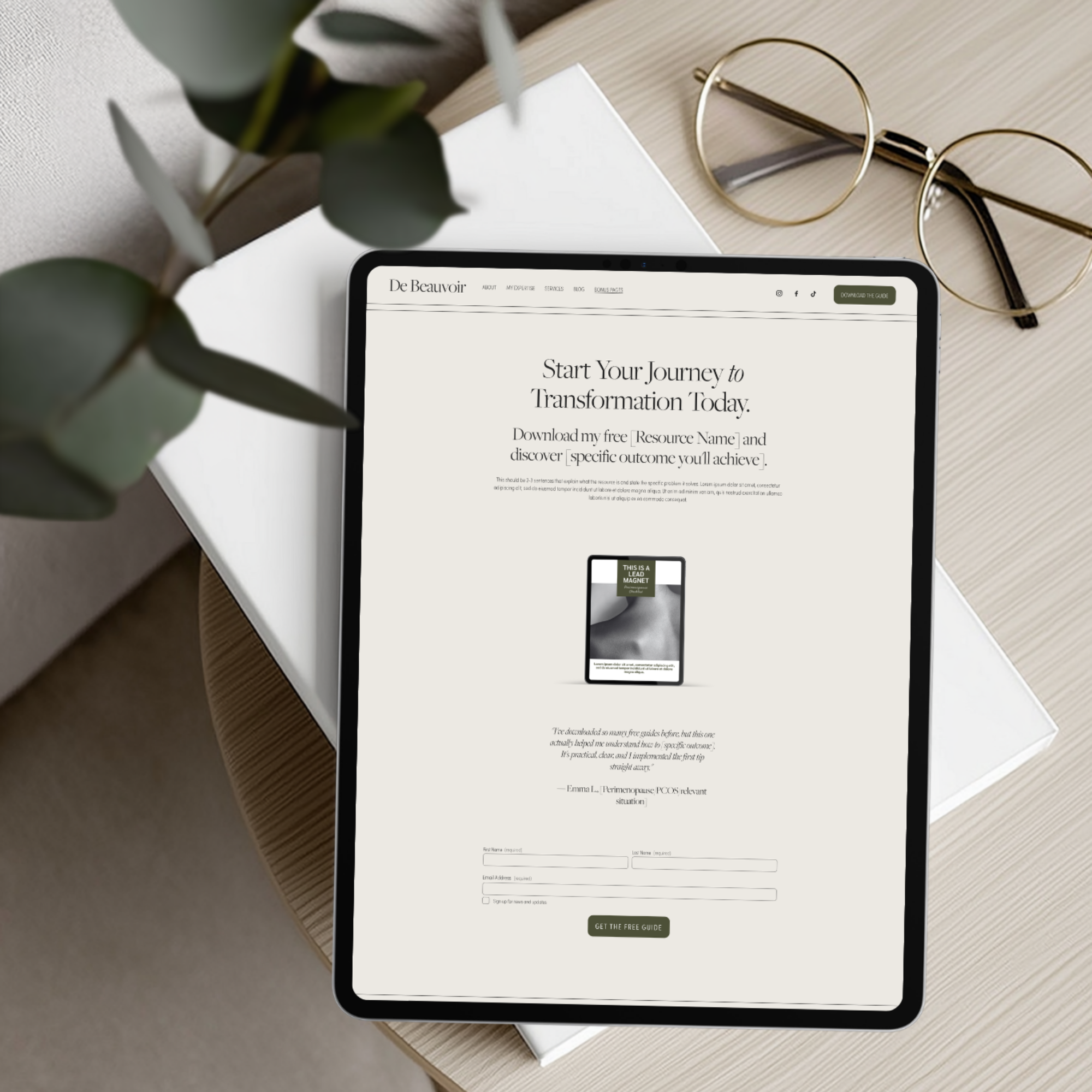
→ Lead Magnet page
→ Lead Magnet Thank You page
→ Press and Features page
→ Media Kit page
→ Privacy Policy
→ Terms and Conditions
→ 404 page
What you get
-
To go live you will need a Squarespace subscription, which starts from around £13 per month on an annual plan. Your 6-month free trial gives you plenty of time to build and personalise your site before you need to commit. You can view current Squarespace pricing here. I recommend choosing the core plan.
-
Your domain is your website address, for example yourname.com. You can purchase one through Squarespace or via a third party like GoDaddy. You do not need to connect it until you are ready to go live.
-
A selection of high-quality images of yourself goes a long way on a website like this. In fact, it’s a must - a beautiful website will be hugely let down with amateur photos.
Your Third-Party Tools List includes recommended free image libraries for any stock photography you may wish to use. -
The words that will go on your site. Your Content and Copy Planner and Guide walks you through what to include on each page, so you're never starting from a blank page. If writing isn't your thing, I recommend Sally Aquire, a copywriter who specialises in the wellness space.
What you need to start
Step-by-step instructions, responsive design, zero custom code and a 6-month free Squarespace trial included.
No Squarespace experience needed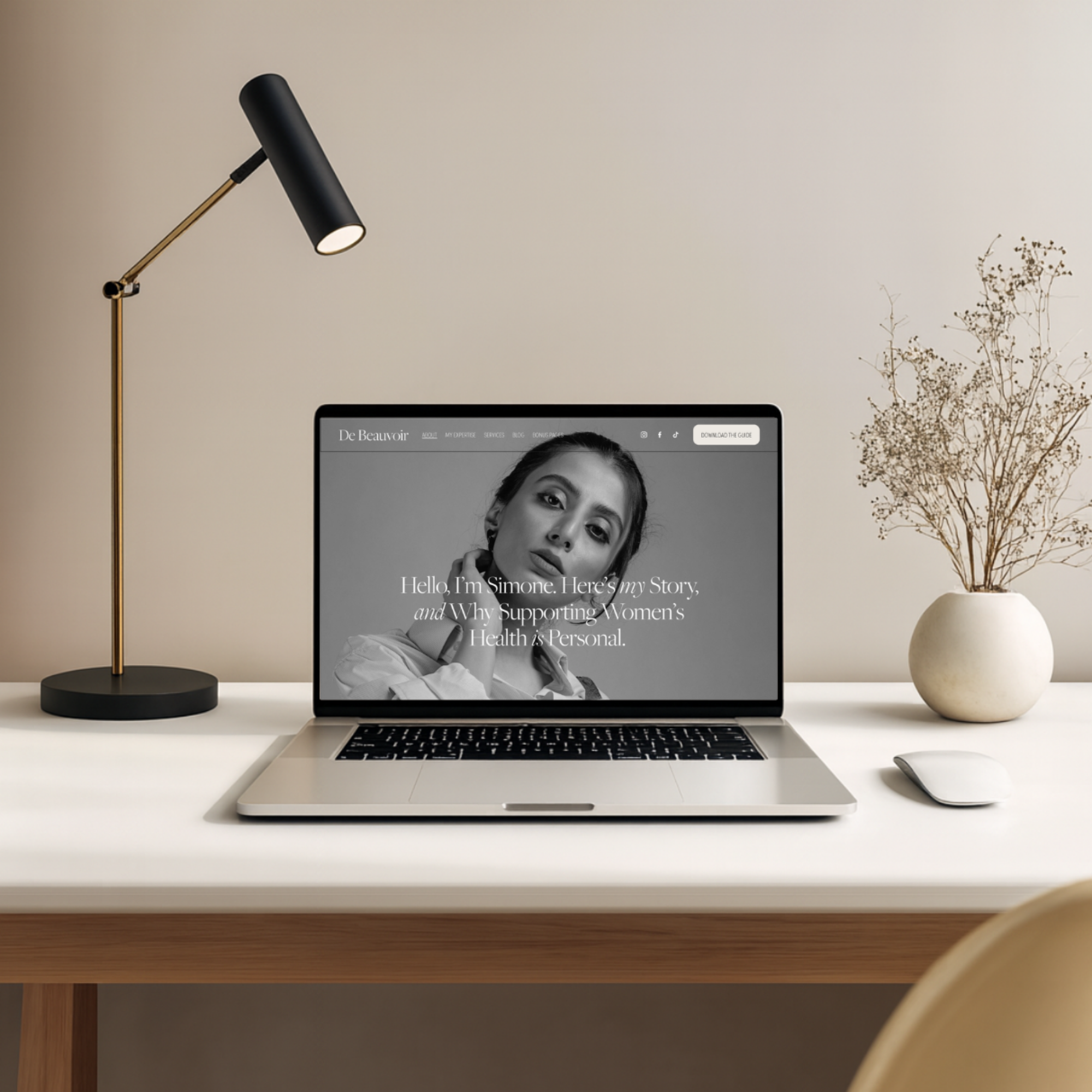
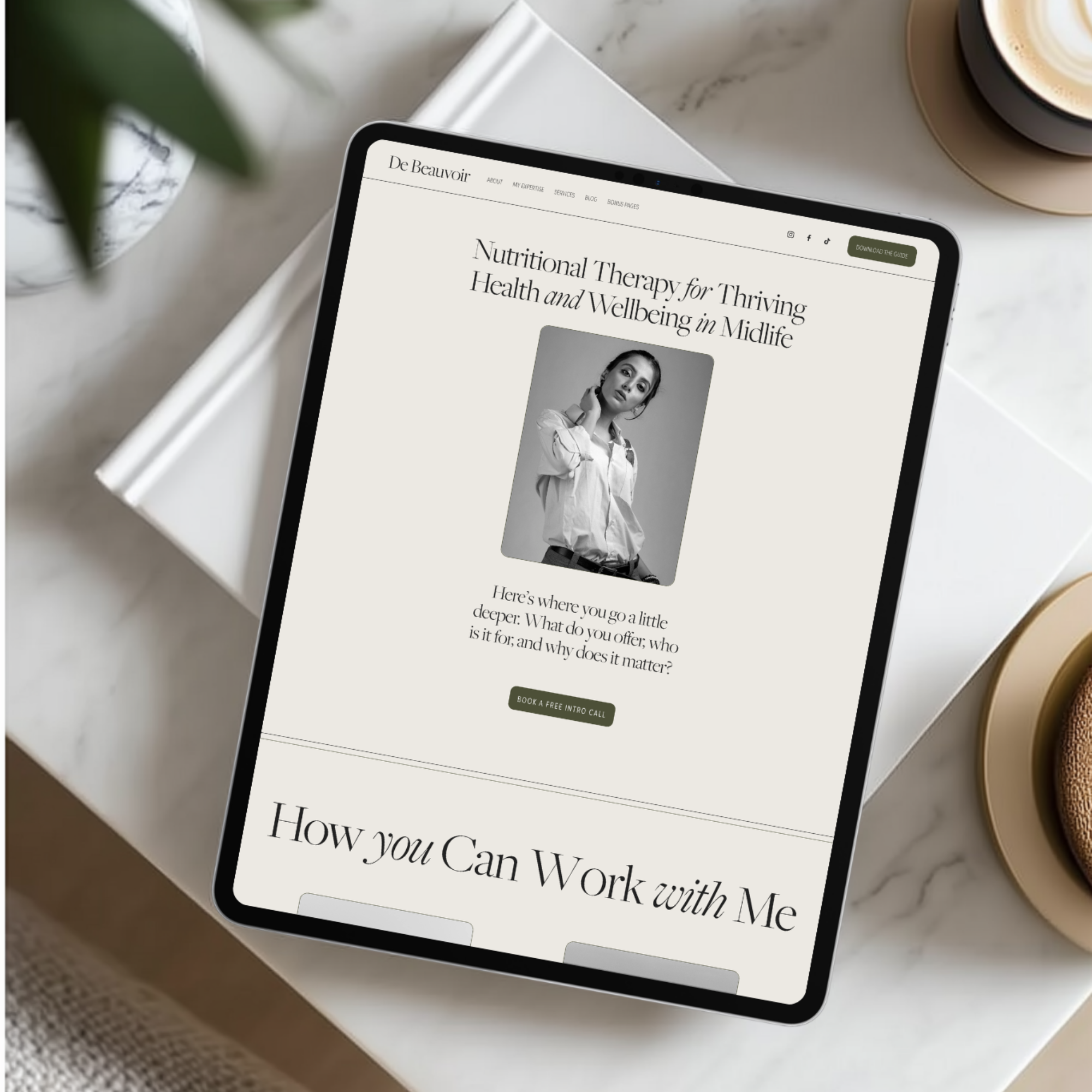
01. Choose your template — you are already here.
02. Access your resources — your resource library, video tutorials and template arrive together, within 24 to 48 hours of purchase.
03. Make it yours — follow the tutorials and guidance to swap in your brand colours, fonts, images and copy.
04. Hit publish — work through the Launch and SEO Checklist, tick everything off, and go live.
Congratulations, you have a new website.A few things people ask
-
No. I've designed these templates with the DIY user in mind. There is no custom code in any of the templates. Squarespace 7.1 is one of the most straightforward website platforms available, and the included Squarespace dashboard tutorials walk you through everything step by step. The resources provided with your template take the guesswork out of everything you need to get your site online, confidently.
-
No. You don't need Photoshop at all, and Canva is only necessary if you want to create custom graphics or icons. Everything else can be done directly in Squarespace.
-
As much or as little as you like. You can swap in your brand colours, fonts and images and leave the rest exactly as it is, or you can go further and add, remove or rearrange pages and sections to make it entirely your own. The video tutorials walk you through how to use the platform.
-
No. Squarespace gives you a free built-in domain to work with while you're setting everything up. When you're ready to go live, you can purchase a domain through Squarespace or connect one from a third-party provider like GoDaddy. When you’re ready to move your domain, head to Domains in your settings and follow the prompts.
-
No problem. Your template will be set up as a new trial site in your Squarespace account. Once you've built it out and you're happy with it, you simply move your domain across and cancel your existing subscription when you're ready.
-
We'll get everything to you, your resource library, video tutorials and template, within 24 to 48 hours of purchase. Once it's all with you, you can start personalising and prepping your content.
-
Once you’ve prepared your photos and copy, you can launch your site over a weekend.
-
Each licence is for a single website only. If you're a designer or VA looking to use a Vault template as the foundation for a client project, you'll need to purchase a separate licence for each site. Drop me a message if you use templates regularly for client work, and we can chat.
-
Due to the digital nature of the product, all sales are final. If you're unsure which template is right for you, take your time browsing the demo sites before you buy. If you have a question that isn't answered here, drop me a message before you purchase.
-
Squarespace's own templates are a perfectly decent starting point, but they're designed for any business in any industry. The Vault templates have been built specifically for nutritional therapists and functional medicine practitioners, with a conversion structure and content guidance that reflects a genuine understanding of your clients and your field. You're not just getting a design. You're getting the strategic thinking of a marketer and designer who has spent the past five years working exclusively with nutritional therapists, packaged into something you can launch yourself.
Ready to get started?
De Beauvoir is £290 and includes everything listed above.
No hidden extras. No subscription required at purchase.